
Making a Cheap “TV LED Strip” a Proper Smart Server Rack Light (ESPHome + Home Assistant)
A quick look at the principles guiding how clihero.com builds and operates production software.
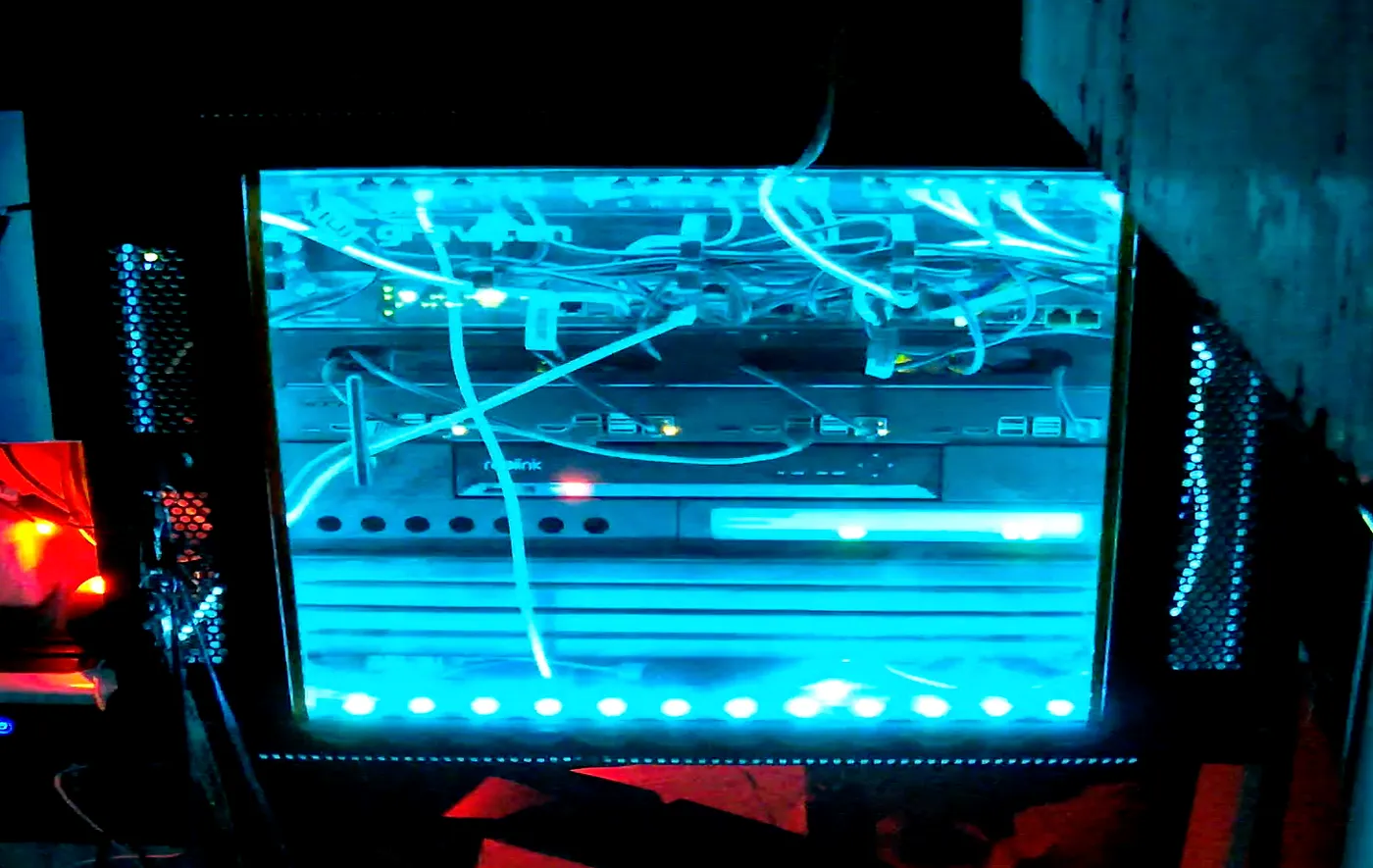
The problem: my server rack is basically a black hole. The cables go in, the light never comes out.
It lives in a dark corner — which is great until you actually need to do anything: trace a cable, read port labels, swap something, or just see what’s going on. And honestly, I also want it to look fancy.
So I decided to add some RGB lights. I didn’t buy a fancy RGB light though. I bought the cheapest “TV LED strip” I could find, because it was easy to get, and it was “smart” (Bluetooth) on the box.
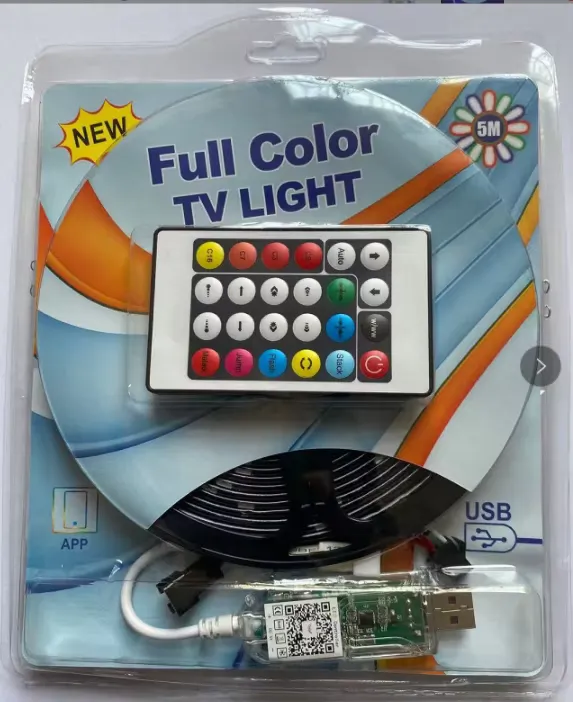
The “Smart” Part Lasted About 30 Seconds Home Assistant was already running, so the plan was simple:
add the strip automate it done I tried the LED BLE integration… and immediately hit:
“LED BLE Device not supported”
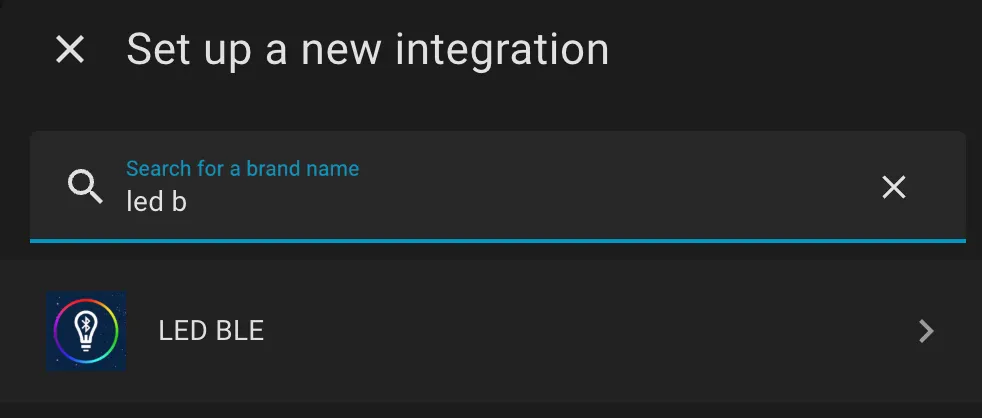
At first I assumed it was pairing. Then I found this thread where other people hit the same error and the device just wasn’t supported by the integration:
https://github.com/home-assistant/core/issues/139285
So the situation was basically:
the device is BLE
Home Assistant can see it
but the integration doesn’t understand its protocol
At that point I had two options:
option1: return it and buy something “supported”
option2: keep it and make it behave
I chose option 2. 😄
The Idea: Make Home Assistant Think It’s a Normal Light Instead of forcing Home Assistant to speak my strip’s weird BLE dialect, I decided to hide BLE behind ESPHome:
ESPHome connects to the LED controller via BLE (ble_client) ESPHome exposes a normal RGB light entity to Home Assistant Home Assistant controls it like any other light ESPHome translates RGB changes into BLE writes In other words: I created a virtual light device Home Assistant actually understands.
Installing the Strip in the Rack Originally this was sold as a “TV strip”, but it turns out it works great as a rack light.
I mounted mine so it illuminates the whole front area and cables, without shining directly into my eyes.
ESPHome: BLE Client + Virtual RGB Light My LED controller accepts commands via BLE GATT writes. For this controller, the magic identifiers were:
Service UUID: FFE0 Characteristic UUID: FFE1 So the ESP32 connects as a BLE client, then writes byte arrays to that characteristic.
Here’s the ESPHome config I’m using (you’ll need to set your own MAC via ${bluetooth_virtual_light_mac} and include the header file below).
Note: If you wrote “ESP8266” anywhere earlier (I did too at first), this won’t work on ESP8266 — it must be ESP32 for BLE.
esphome:
  includes:
    - bluetooth-virtual-light.h

globals:
  - id: effect_active
    type: bool
    restore_value: no
    initial_value: 'false'

binary_sensor:
  - platform: template
    name: "Led BLE Connected"
    id: led_ble_connected_sensor

ble_client:
  - mac_address: ${bluetooth_virtual_light_mac}
    id: led_strip_ble_client
    on_connect:
      then:
        - lambda: |-
            ESP_LOGD("virtual_ble_light", "Connected to BLE device");
        - binary_sensor.template.publish:
            id: led_ble_connected_sensor
            state: ON
        - switch.turn_off: led_ble_on_off_switch

    on_disconnect:
      then:
        - lambda: |-
            ESP_LOGD("virtual_ble_light", "Disconnected from BLE device");
        - binary_sensor.template.publish:
            id: led_ble_connected_sensor
            state: OFF

light:
  - platform: rgb
    id: rbg_led
    name: BLE LED
    red: red_channel_output
    green: green_channel_output
    blue: blue_channel_output

    on_state:
      - lambda: |-
          ESP_LOGD("virtual_ble_light", "State Send");

    on_turn_on:
      - lambda: |-
          if (!id(effect_active)) {
            id(led_ble_on_off_switch).turn_on();
          }

    on_turn_off:
      - lambda: |-
          if (!id(effect_active)) {
            id(led_ble_on_off_switch).turn_off();
          }

    effects:
      - lambda:
          name: "Breathing"
          update_interval: 16s
          lambda: |-
            id(effect_active) = true;
            static bool state = false;

            auto call = id(rbg_led).turn_on();
            call.set_brightness(state ? 1.0 : 0.2);
            call.perform();

            state = !state;

      - lambda:
          name: "RGB Breathing"
          update_interval: 16s
          lambda: |-
            id(effect_active) = true;
            static bool state = false;
            static int color = 0;

            const float colors[12][3] = {
              {0.0, 1.0, 1.0},  // Cyan
              {1.0, 0.5, 0.0},  // Orange
              {1.0, 1.0, 1.0},  // White
              {0.0, 1.0, 0.0},  // Green
              {1.0, 0.0, 0.0},  // Red
              {0.0, 0.0, 1.0},  // Blue
              {0.5, 0.0, 1.0},  // Purple
              {1.0, 0.0, 0.5}   // Pink
            };

            auto call = id(rbg_led).turn_on();

            if (state) {
              call.set_rgb(
                colors[color][0],
                colors[color][1],
                colors[color][2]
              );
              call.set_brightness(1.0);
              color = (color + 1) % 12;
            } else {
              call.set_brightness(0.2);
            }

            call.perform();
            state = !state;

output:
  - platform: template
    id: red_channel_output
    type: float
    min_power: 0.003
    zero_means_zero: true
    write_action:
      - lambda: |-
          SSDBluetoothVirtualLight::updateRed(state);

  - platform: template
    id: green_channel_output
    type: float
    min_power: 0.003
    zero_means_zero: true
    write_action:
      - lambda: |-
          SSDBluetoothVirtualLight::updateGreen(state);

  - platform: template
    id: blue_channel_output
    type: float
    min_power: 0.003
    zero_means_zero: true
    write_action:
      - lambda: |-
          SSDBluetoothVirtualLight::updateBlue(state);
      - ble_client.ble_write:
          id: led_strip_ble_client
          service_uuid: FFE0
          characteristic_uuid: FFE1
          value: !lambda |-
            return SSDBluetoothVirtualLight::getCreateColorUpdateArray();

switch:
  - platform: ble_client
    id: ble_client_enable
    ble_client_id: led_strip_ble_client
    internal: true

  - platform: template
    id: led_ble_on_off_switch
    name: "Turn On Led"
    internal: true
    restore_mode: ALWAYS_OFF
    turn_on_action:
      - ble_client.ble_write:
          id: led_strip_ble_client
          service_uuid: FFE0
          characteristic_uuid: FFE1
          value: !lambda |-
            return SSDBluetoothVirtualLight::turnOnArray;

    turn_off_action:
      - ble_client.ble_write:
          id: led_strip_ble_client
          service_uuid: FFE0
          characteristic_uuid: FFE1
          value: !lambda |-
            return SSDBluetoothVirtualLight::turnOffArray;
      - lambda: |-
          ESP_LOGD(SSDBluetoothVirtualLight::logTag, "SEND MESSAGE TO TURN OFF");
The Secret Sauce: Translating RGB Into BLE Packets (bluetooth-virtual-light.h) ESPHome already knows how to be a light. The only missing piece was: how do I convert “set RGB to (x,y,z)” into bytes that my BLE controller understands?
Become a member So I made a tiny helper header that:
stores the current red/green/blue values (as floats 0.0 → 1.0) converts them to bytes 0 → 255 builds the exact payload the LED controller expects returns it to the ESPHome ble_write
#include <vector>

namespace SSDBluetoothVirtualLight {
  const char* logTag = "ssd_virtual_bluetooth_light";

  // Hard-coded command packets for this BLE controller
  const std::vector<uint8_t> turnOffArray = {126, 255, 4, 0, 255, 255, 255, 255, 239};
  const std::vector<uint8_t> turnOnArray  = {126, 255, 4, 1, 255, 255, 255, 255, 239};
  const std::vector<uint8_t> noColorArray = {126, 255, 5, 3, 0, 0, 0, 255, 239};

  float red = 0;
  float green = 0;
  float blue = 0;

  std::vector<uint8_t> getCreateColorUpdateArray() {
    uint8_t convertedRed   = static_cast<uint8_t>(red   * 255);
    uint8_t convertedGreen = static_cast<uint8_t>(green * 255);
    uint8_t convertedBlue  = static_cast<uint8_t>(blue  * 255);

    // Packet format: [126,255,5,3, R,G,B, 255,239]
    return {126, 255, 5, 3, convertedRed, convertedGreen, convertedBlue, 255, 239};
  }

  void updateRed(float value)   { red = value; }
  void updateGreen(float value) { green = value; }
  void updateBlue(float value)  { blue = value; }
}
What those weird numbers mean (quick version) This controller speaks in short 9-byte messages.
126 (0x7E) looks like a “start byte” 239 (0xEF) looks like an “end byte” the middle bytes are command + parameters Three useful packets:
Turn ON / OFF (one byte changes):
ON: {126, 255, 4, 1, ... , 239}
OFF: {126, 255, 4, 0, ... , 239}
Set RGB color:
{126, 255, 5, 3, R, G, B, 255, 239}
ESPHome gives channel values as floats. The header converts them to 0–255 and drops them into the packet.
Why I store RGB first, then send on Blue updates Home Assistant updates RGB channels separately. So:
red output updates red green output updates green blue output updates blue and triggers the BLE write This ensures the BLE write sends a complete RGB color, not a half-updated one.
Home Assistant: It Just Looks Like a Light Now Once the ESPHome device is online, Home Assistant discovers it normally.
Now you have:
light.ble_led (a normal RGB light)
binary_sensor.led_ble_connected (useful for monitoring)
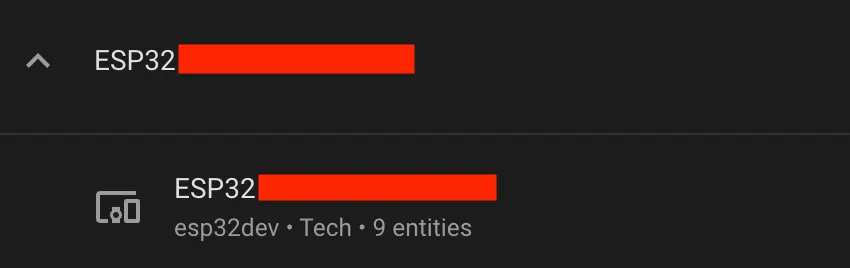
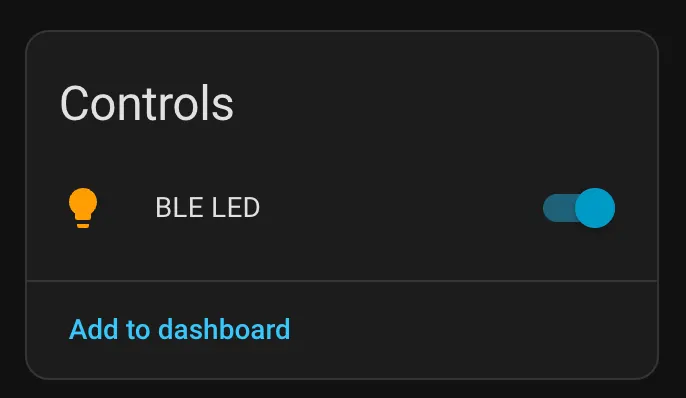
And now automations become boring (in a good way).
Wrapping Up This started as “add cheap TV lights to Home Assistant” and turned into “build a BLE-to-HomeAssistant bridge with ESPHome”.
But honestly, this is why I like ESPHome: when something is unsupported, you can often translate it into a device Home Assistant already understands.
Now my rack is:
actually usable at night automated and ready to become a full status panel later Automation Ideas (Feel Free to Steal) Now that it’s just a normal light entity, it can become a rack “status LED” too:
Quiet night mode: after midnight, motion turns it on at 10% only Rack door sensor: door open → on, door closed → off Solar Panel indicator: blue pulse on battery, red flash when low Internet status: dim purple if WAN is down Backup indicator: breathing during backup, green blink when done Temperature warning: shift from green → yellow → red based on CPU / rack temp If you’re experimenting with similar setups or just want to chat about smart home, feel free to reach out — I’m always happy to swap ideas or help troubleshoot.
I’ve got a bunch more automations and integration tricks in the works, so stay tuned — I’ll be sharing new posts soon.
Follow me on LinkedIn, and let’s make our homes smarter together. 🔥🏠💡